Why Is My MacBook Touch ID Not Working?
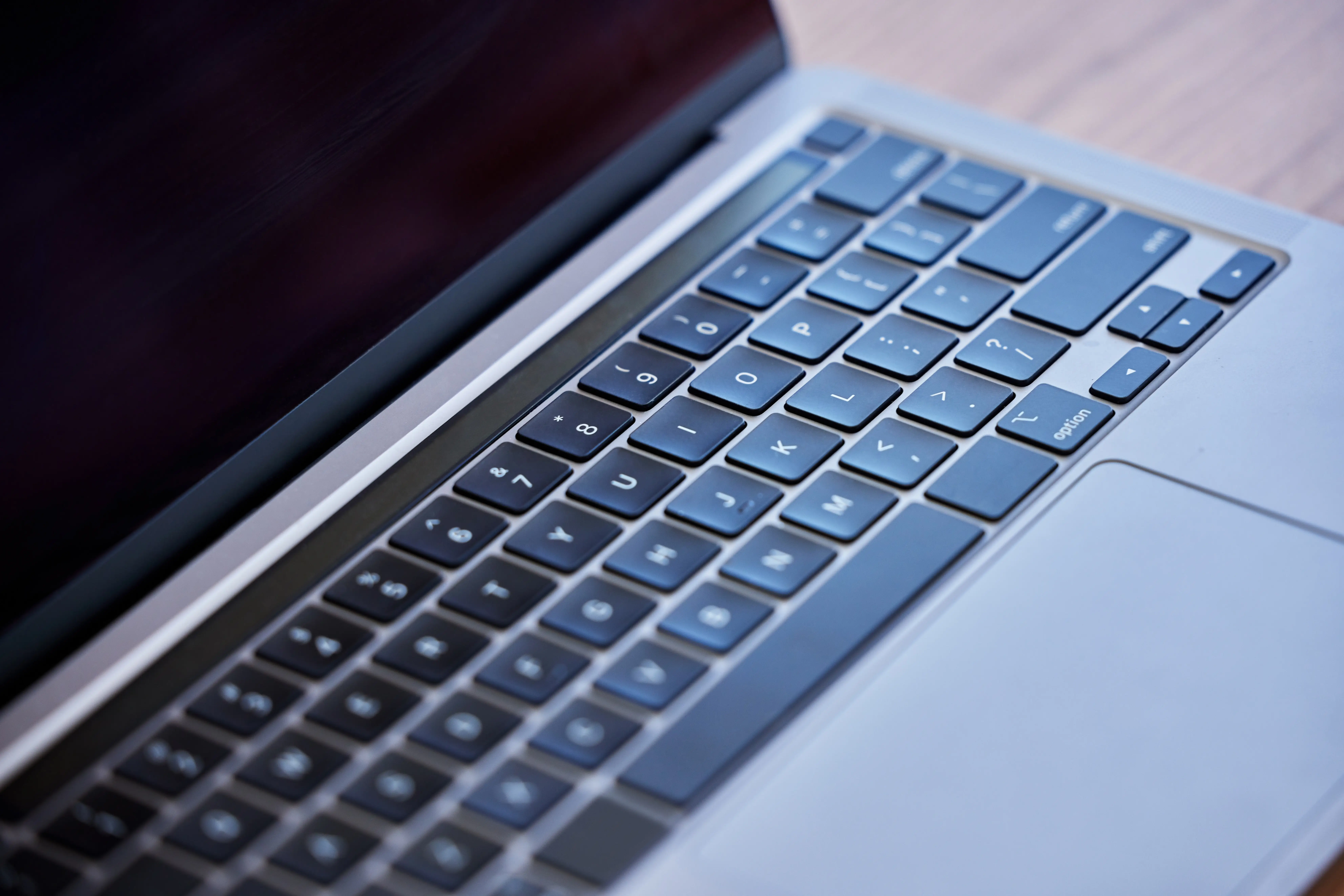
There are 3 primary biometric variations for an unresponsive MacBook Touch ID sensor: capacitive surface blockages, macOS security lockouts, …
Guides, troubleshooting tips, and practical advice for testing keyboards, mice, monitors, gamepads, headsets, and webcams.
 Hardware
There are 3 primary biometric variations for an unresponsive MacBook Touch ID sensor: capacitive surface blockages, macOS security lockouts, …
 Keyboard
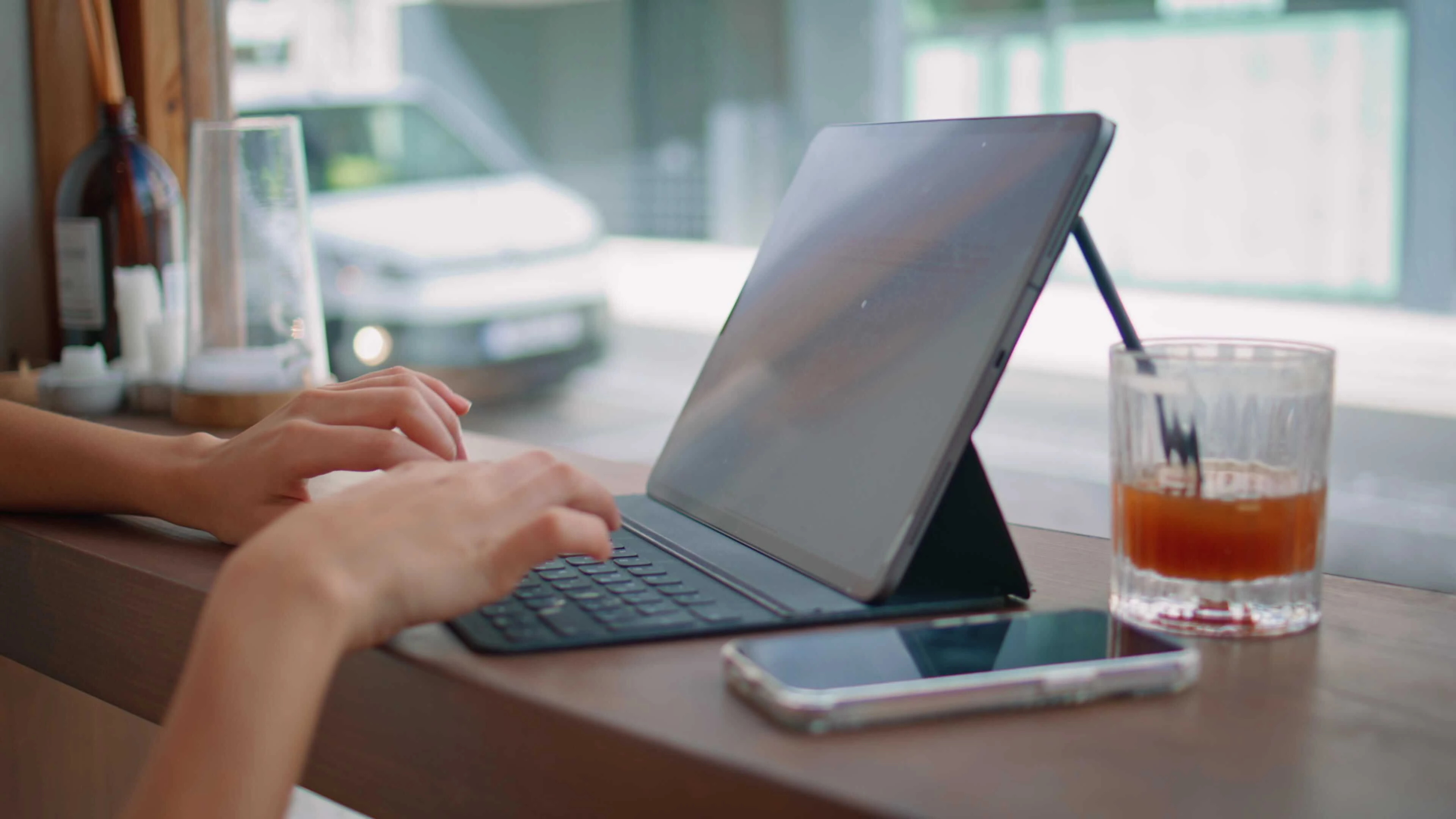
iPad keyboard unresponsive? Learn the 3 most common causes: cache glitches, dirty Smart Connector pins, and Bluetooth interference.
 Gaming
Phantom Blade Zero releases on October 29, 2026. Check the system requirements and test your gamepad, keyboard, and monitor before launch …
 Keyboard
Laptop keyboard not typing? Find out exactly why keys stop producing output and how to fix it on Windows, macOS, and Chromebooks with …
 Keyboard
Keyboard typing wrong letters or symbols? Learn why this happens on Windows, macOS, and Chromebooks and how to fix layout mismatches, IME …
 Keyboard
Is your keyboard not working all of a sudden? Click now to find out what's causing your faulty keyboard.
 Keyboard
Laptop keyboard stops working when connected to a dock or external monitor? Find out why USB-C and Thunderbolt docks kill internal keyboard …
 Keyboard
Keyboard stopped working after a Windows or macOS update? Find out exactly why updates break keyboard input and how to fix drivers, …
 Keyboard
Wireless keyboard not working? Test it instantly and fix connection, battery, or driver issues with this quick troubleshooting guide.
 Keyboard
Has your HP laptop keyboard stopped working? Click now to discover potential problems and quick fixes.
 Keyboard
MacBook keyboard stopped responding, keys double-typing, or dead key clusters? Find low-level SMC, NVRAM, and software fixes for your Mac.